2-in-1 Micro-B Mobile Cable
2-in-1 Mobile Cable
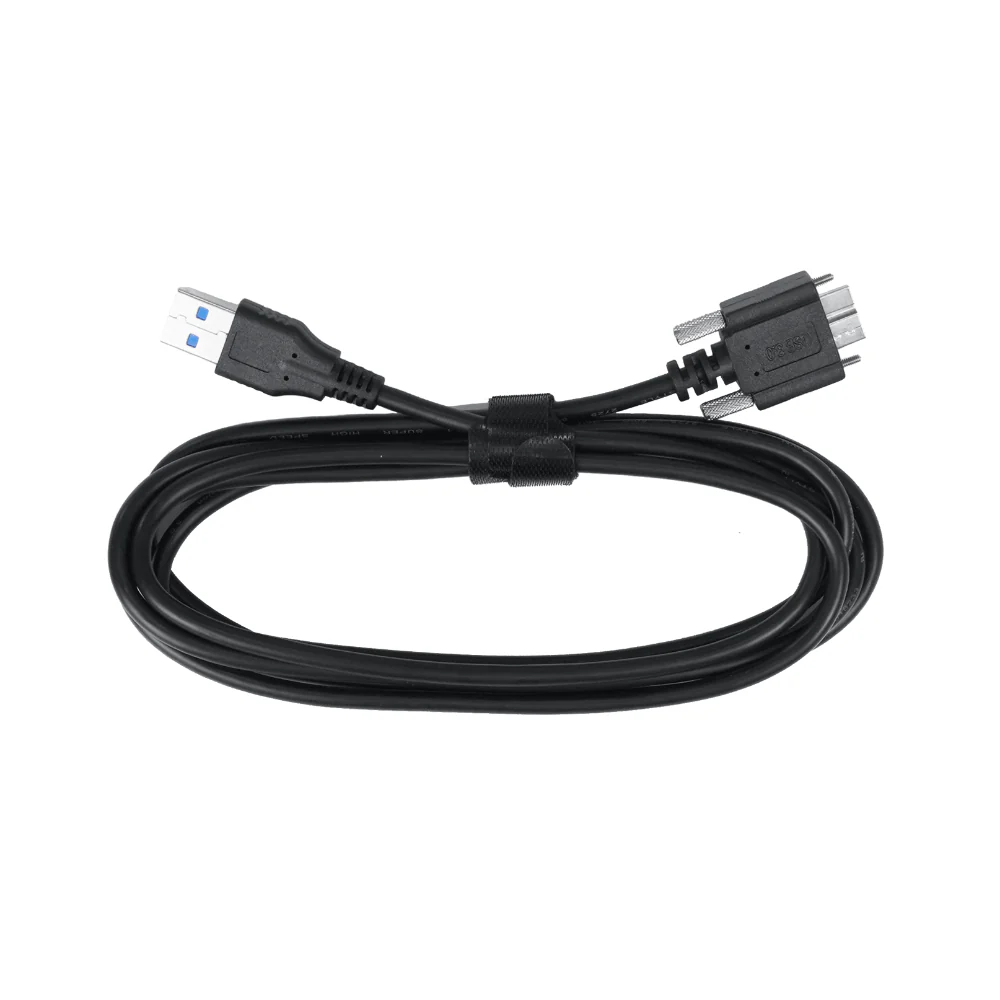
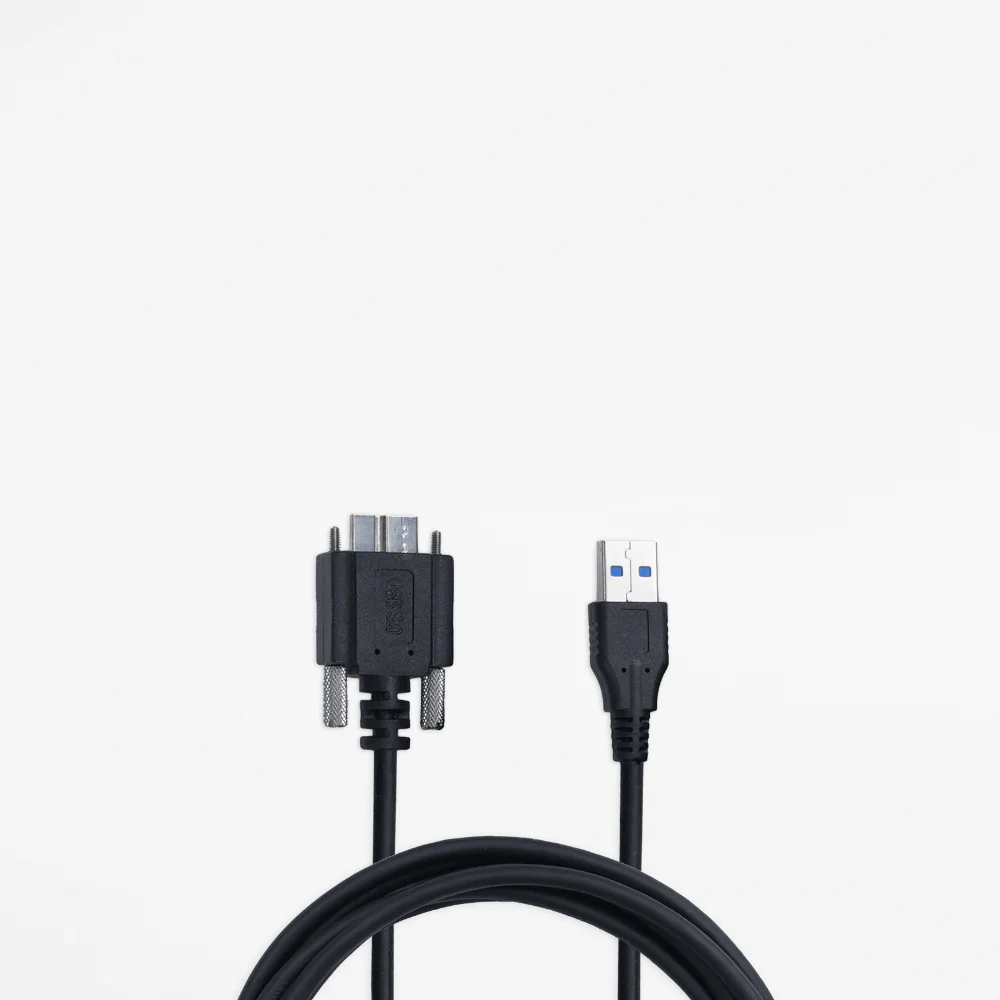
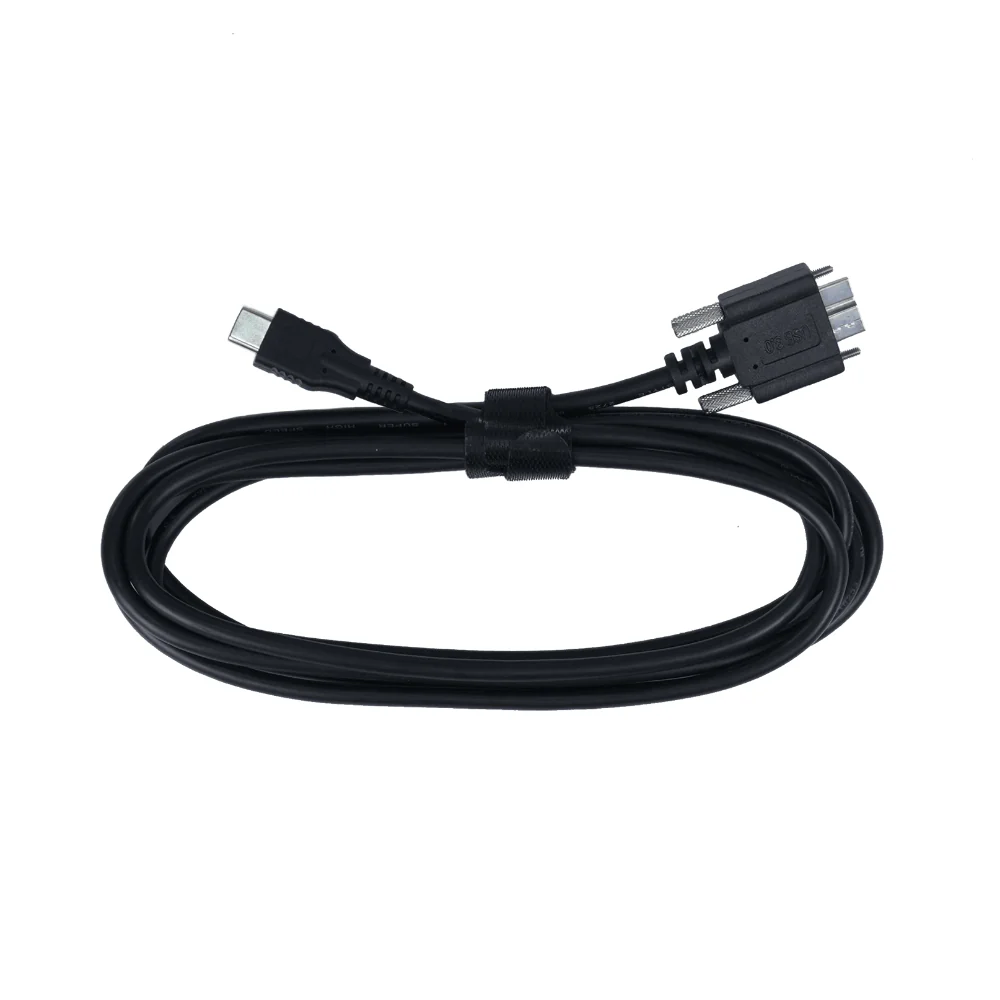
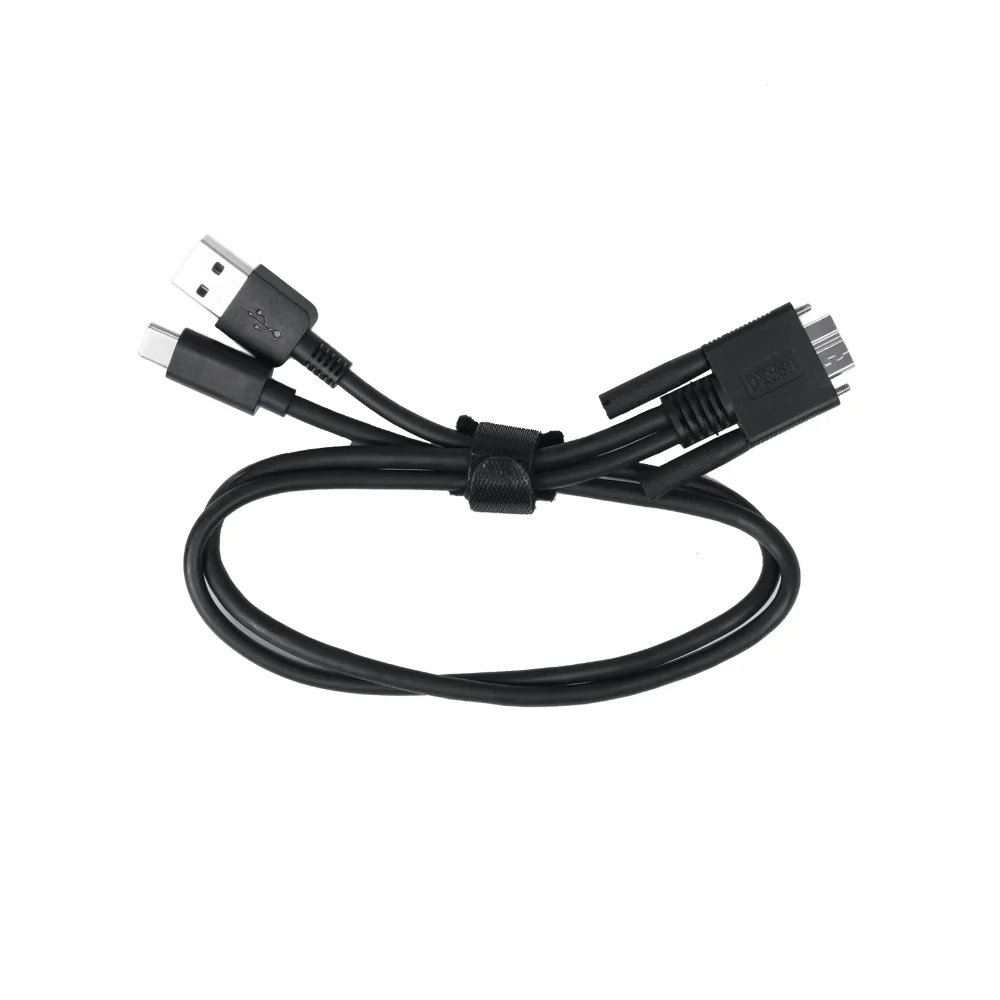
The 2-in-1 Mobile Cable allows you to connect a Revopoint 3D scanner to an Android device and a power bank for portable 3D scanning. Please note that the 3D scanner must be connected to a power source capable of supplying 5V/1A of power to function correctly.


|
Part Name |
2-in-1 Micro-B Mobile Cable |
|
Compatible Devices |
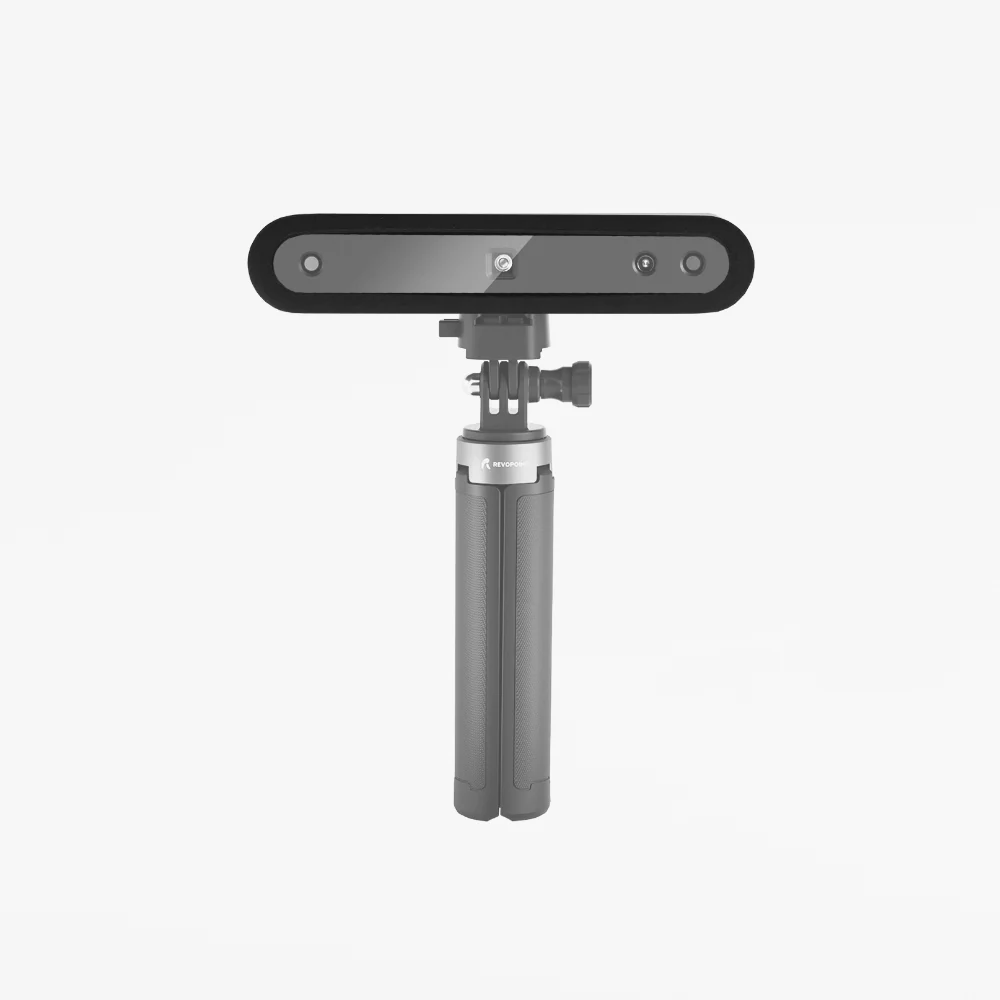
POP, POP 2, MINI |
|
Part Number |
1 |
|
Port Type |
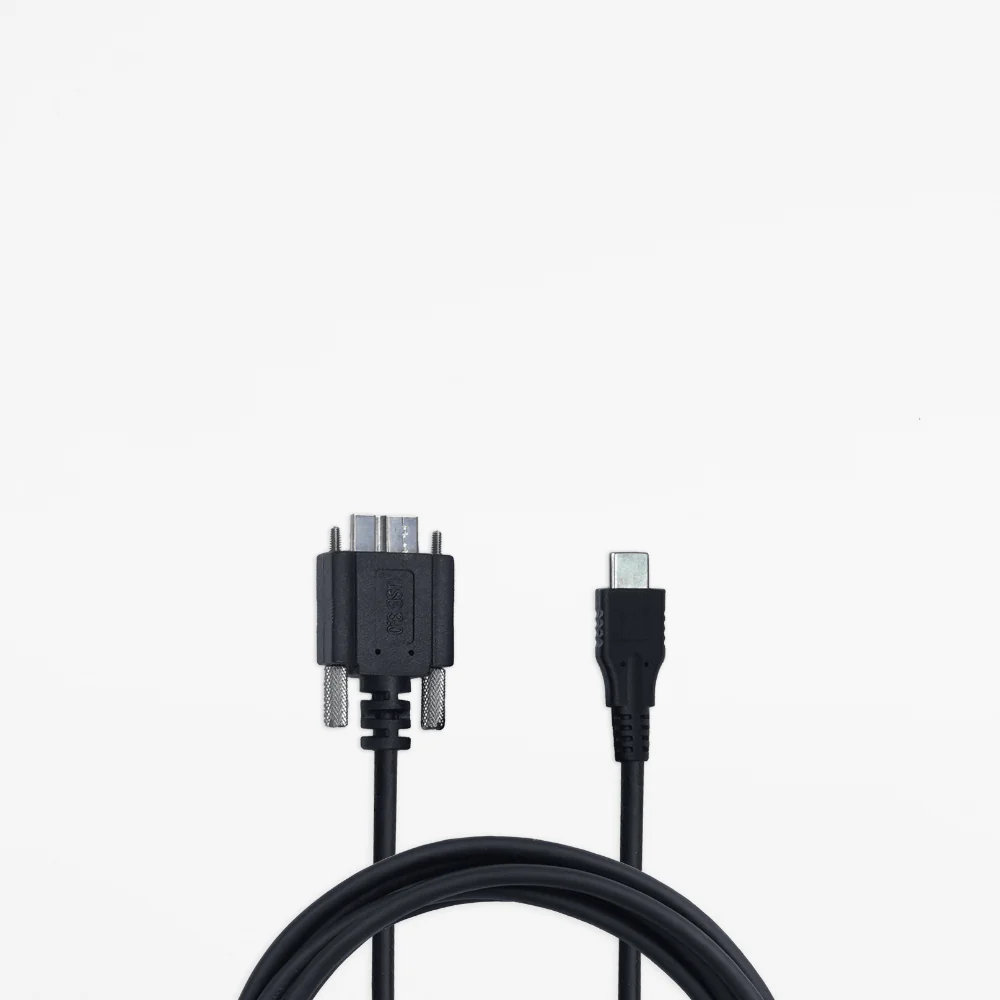
Micro B/Type A & Type C |
|
Length |
400mm |
|
Certifications |
ROHS, FCC, CE, PSE |
Features
- 400mm long data and power Micro-B USB to USB-C and USB-A cable.
- Designed to work with the POP, POP 2, and MINI 3D Scanners.
- Top-quality design and high-quality material ensure a dependable and long-lasting cable.
Hardware Connection
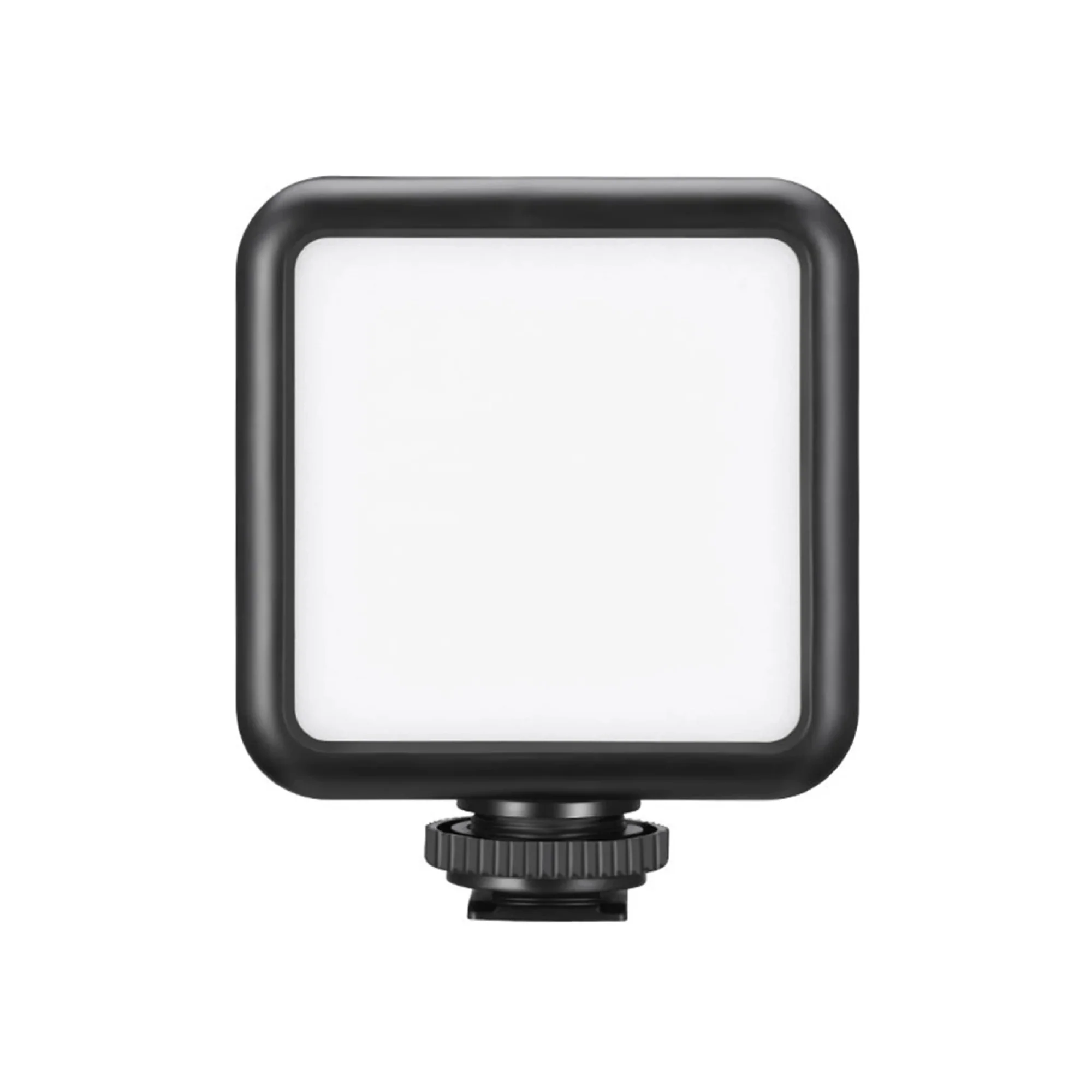
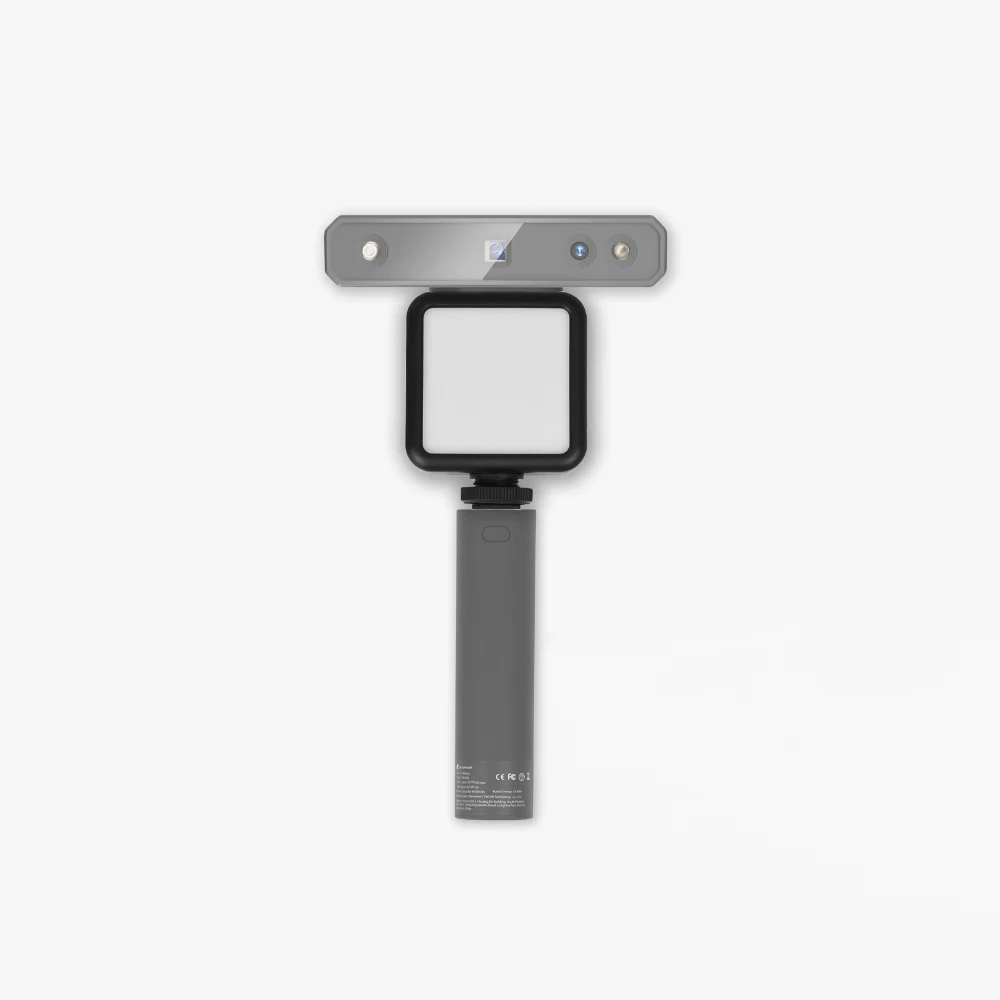
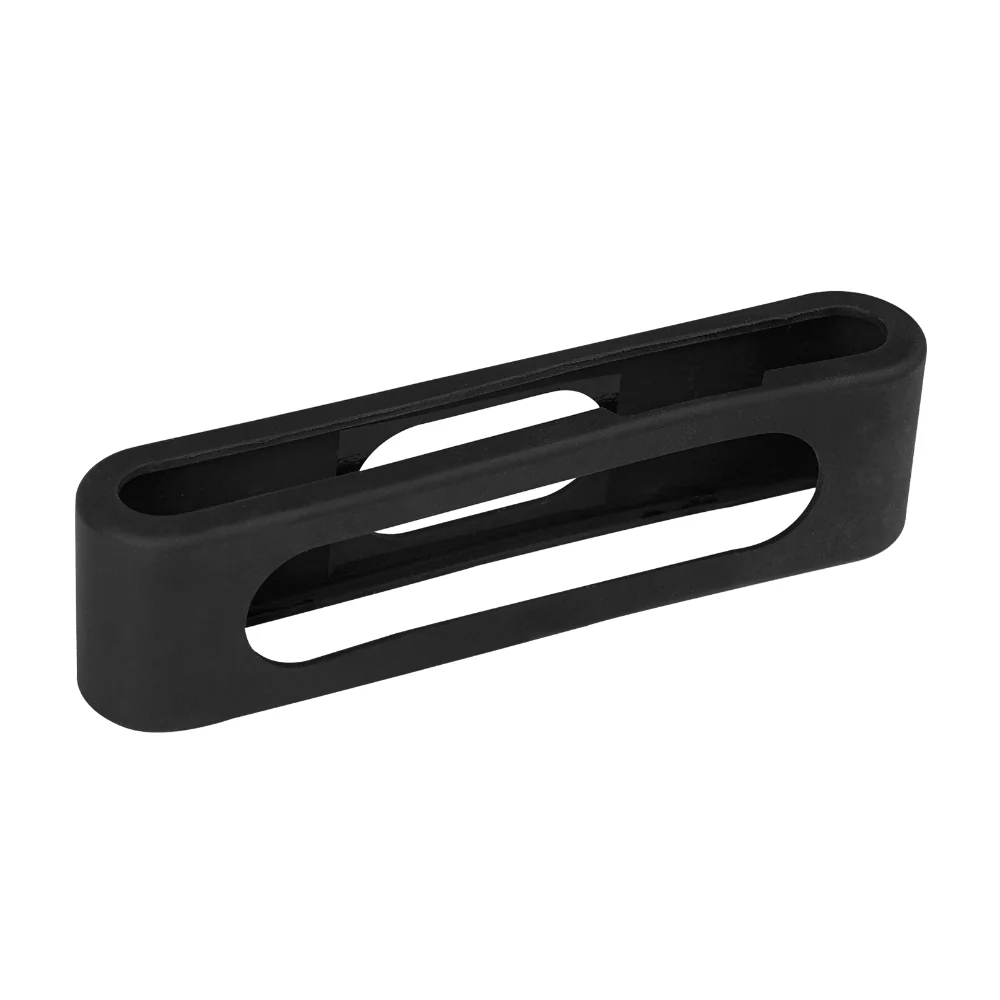
1)Screw the phone holder on the power bank.
2)Slot the 3D scanner on the Phone Holder.
3)Connect the 2-in-1mobile cable to the rear of the scanner, and tighten screws on both sides.
4) Place the Android smartphone into the Phone Holder.
5) Connect the 2-in-1 mobile cable to the power bank (Type A) and the smartphone (Type C) separately.
Original: $19.90
-65%$19.90
$6.96Product Information
Product Information
Shipping & Returns
Shipping & Returns
Description
2-in-1 Mobile Cable
The 2-in-1 Mobile Cable allows you to connect a Revopoint 3D scanner to an Android device and a power bank for portable 3D scanning. Please note that the 3D scanner must be connected to a power source capable of supplying 5V/1A of power to function correctly.
|
Part Name |
2-in-1 Micro-B Mobile Cable |
|
Compatible Devices |
POP, POP 2, MINI |
|
Part Number |
1 |
|
Port Type |
Micro B/Type A & Type C |
|
Length |
400mm |
|
Certifications |
ROHS, FCC, CE, PSE |
Features
- 400mm long data and power Micro-B USB to USB-C and USB-A cable.
- Designed to work with the POP, POP 2, and MINI 3D Scanners.
- Top-quality design and high-quality material ensure a dependable and long-lasting cable.
Hardware Connection
1)Screw the phone holder on the power bank.
2)Slot the 3D scanner on the Phone Holder.
3)Connect the 2-in-1mobile cable to the rear of the scanner, and tighten screws on both sides.
4) Place the Android smartphone into the Phone Holder.
5) Connect the 2-in-1 mobile cable to the power bank (Type A) and the smartphone (Type C) separately.